GPX to Image
Create a route image for Instagram, TikTok, YouTube, or Facebook. Add your own photo, position and resize the route.
Your file never leaves your browser
Drag & drop your .gpx file here
or
1080 x 1080px with transparent background
How It Works
1. Upload
Drag & drop or select your GPX file
2. Customize
Choose color, thickness, add a background image, and position your route
3. Download
Download your image as a high-res PNG
Use more free GPX tools
Examples
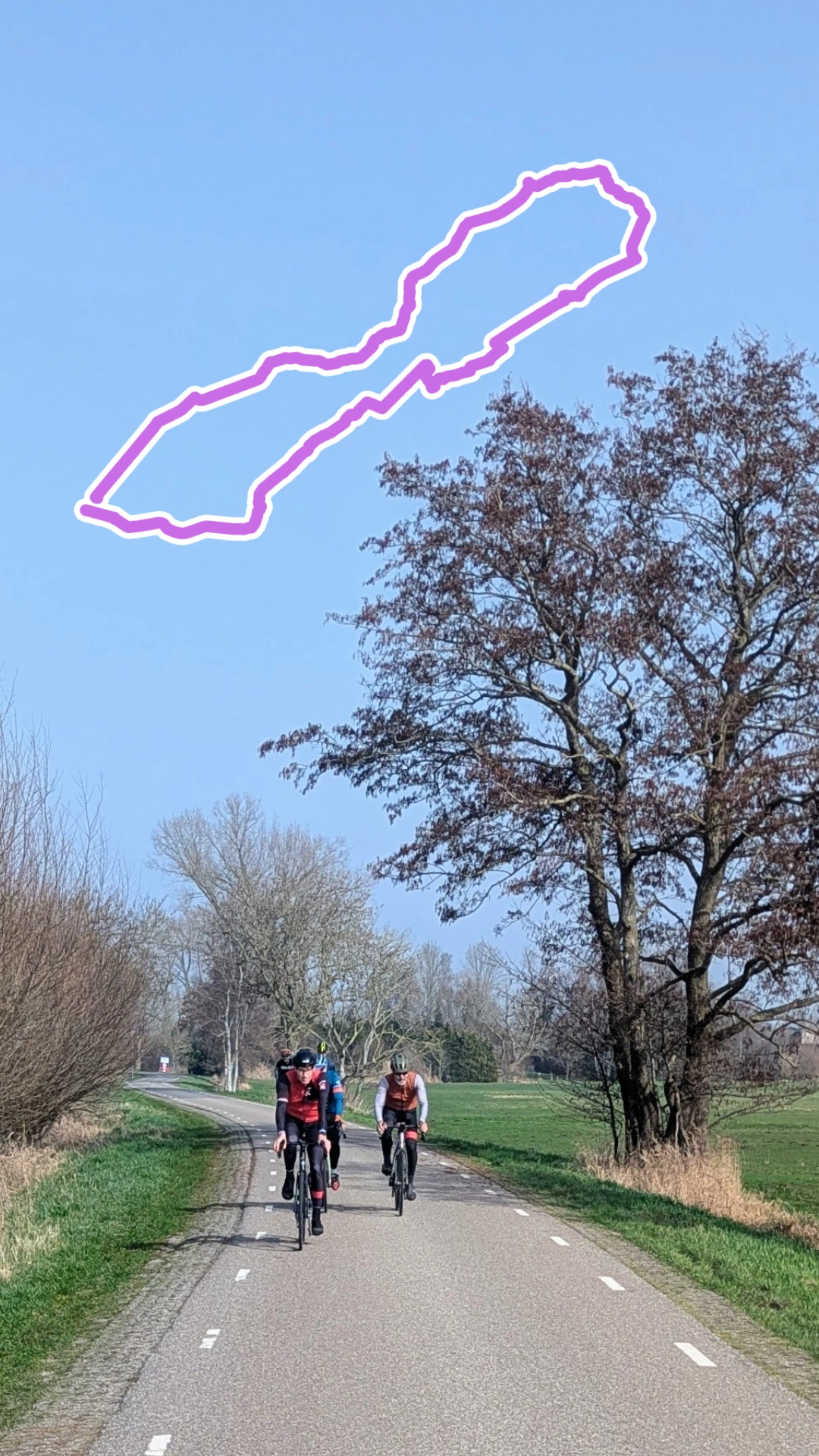
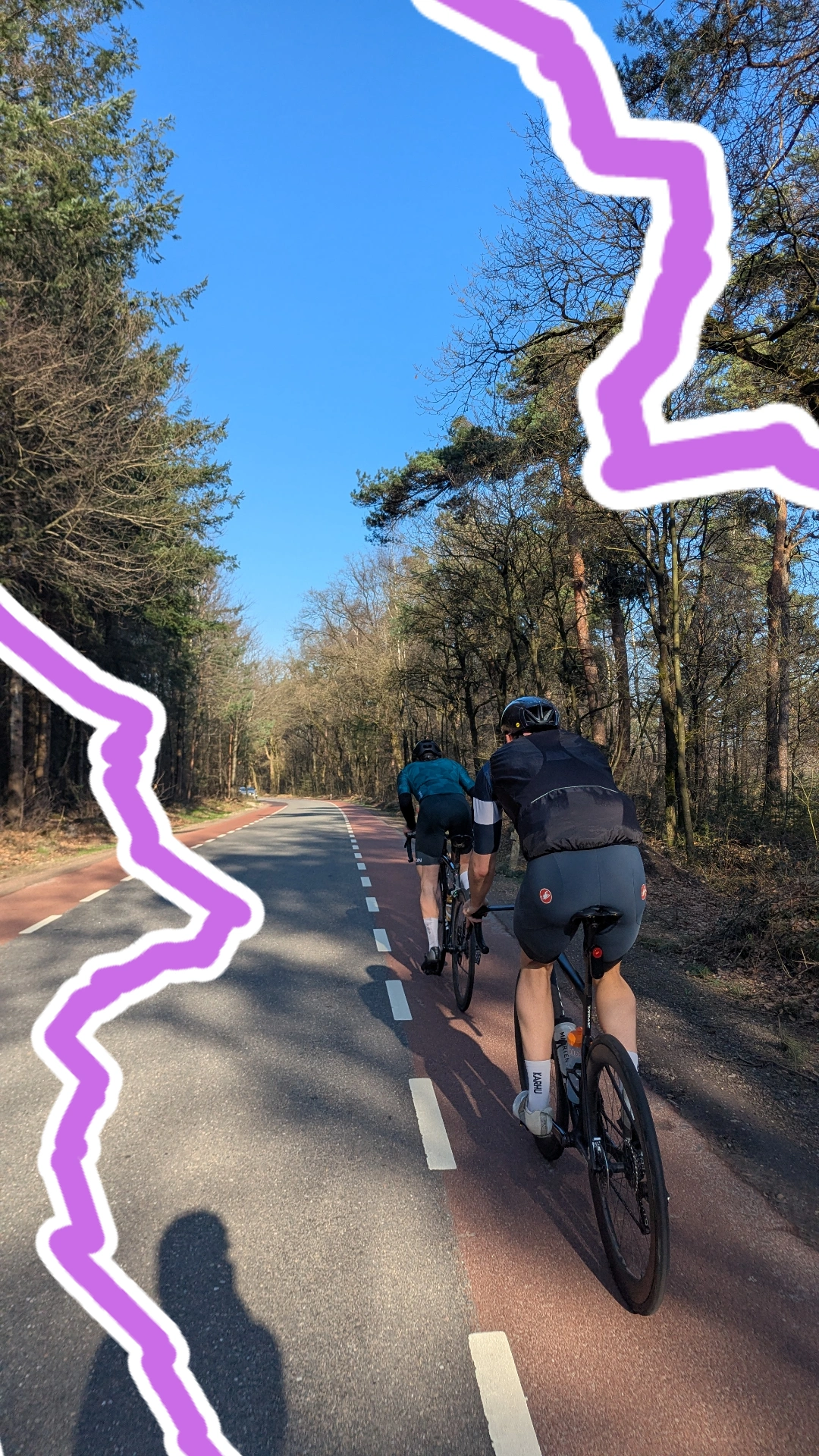
Perfect for Instagram, TikTok, YouTube & Facebook
- Overlay your route on Instagram posts and Stories
- Add route graphics to your TikTok cycling videos
- Make custom thumbnails for YouTube cycling videos
- Share on Facebook posts and Stories
Frequently Asked Questions
Add a background image and the canvas automatically switches to 1080x1920 story format. Position your route, download, and post directly. Or use the transparent PNG as a sticker overlay in the Stories editor.
This tool accepts GPX files (.gpx) from any GPS device, cycling computer, or app like Strava, Garmin, Wahoo, or Komoot.
The output is a 1080x1080px PNG by default. When you add a background image, it switches to 1080x1920px — perfect for Instagram Stories, TikTok, and other vertical formats.
Yes! You can add your own photo as background directly in the tool, position and resize the route, and download a ready-to-post image. Or download just the route line with a transparent background and layer it in any photo editor.
No, all processing happens locally in your browser. Your file never leaves your device.
Yes, choose from 28 colors including black, white, and a full range of vibrant options. You can also adjust the line thickness.
No. This tool creates clean images with no branding, logos, or watermarks. Just your route — with a transparent background or over your own photo.
Browse our cycling routes at therideatlas.com/routes for curated rides across Europe, complete with GPX downloads, climb profiles, and local recommendations.